
Getting started for suppliers
What a Supplier account in MyBuildX includes today, and which supplier tools aren't available yet.
You can create a Supplier account at https://mybuildx.com and keep your business details there. BuildX doesn’t have supplier tools yet: no catalog listings contractors buy from, no quote requests, no purchase orders, no delivery tracking, and no supplier invoicing.
What you get
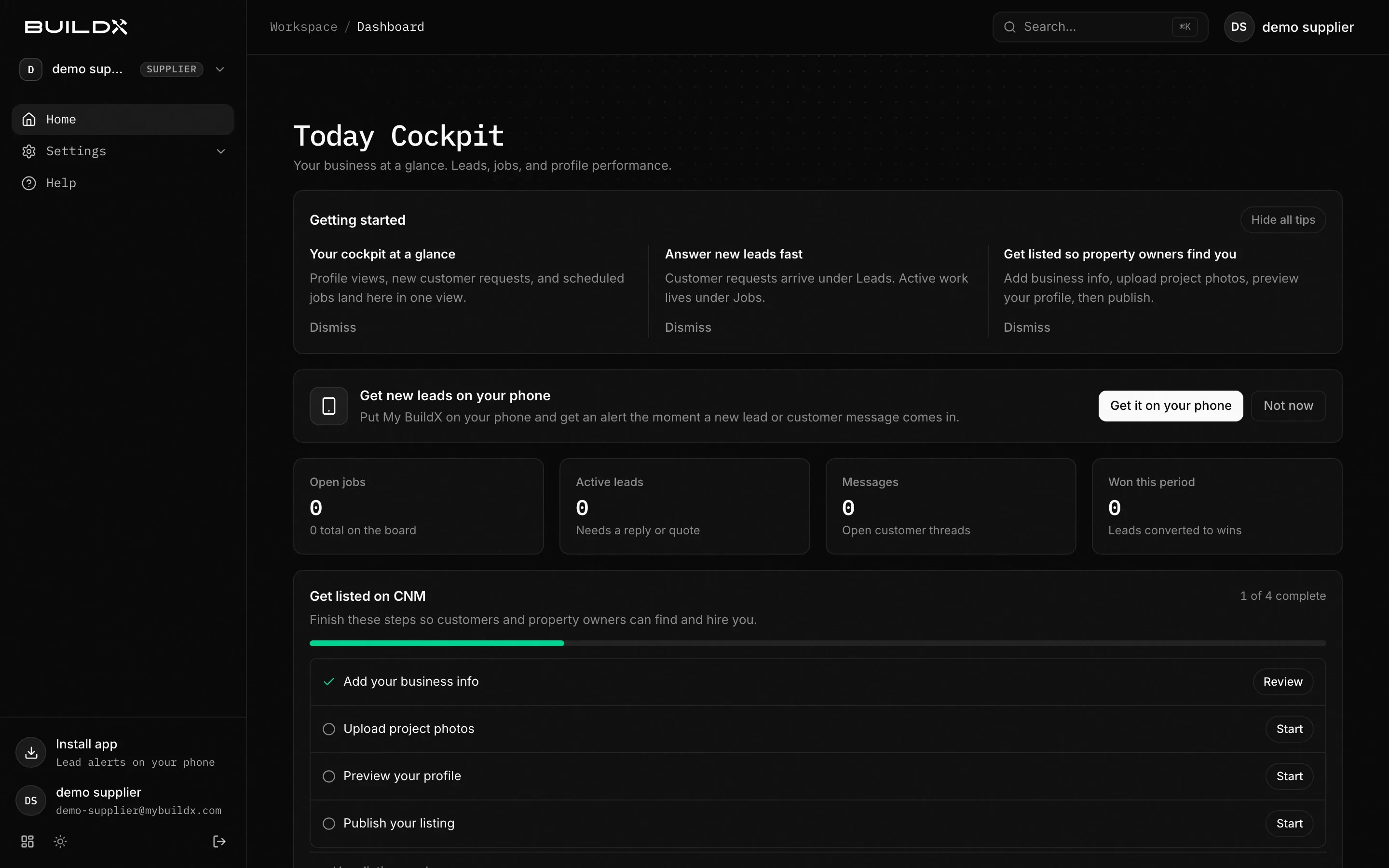
- Home: the Today Cockpit. See Home.
- Settings: your name and email, business details, credentials and billing. See Settings.
- Help: support tickets, guides and feedback. See Help and tickets.
- BuildX Pro: the assistant in the header.
Set up your account
- Go to https://mybuildx.com/sign-up and create an account. See Accounts and sign-in.
- In Set up your account, pick Supplier.
- Enter your Business name, Primary category, phone (optional), and City.
- Press Finish & go to dashboard.
- Open Settings → Business to add your handle, phone, website and city.
Not available for suppliers yet
| You might expect | Today |
|---|---|
| Listing a product catalog for contractors | Not available. The Catalog in MyBuildX is a contractor’s own price list, not a supplier marketplace. |
| Receiving bid or quote requests | Not available. |
| Purchase orders and delivery confirmation | Not available in MyBuildX. GCs track their own purchase orders in BuildX Studio’s Purchasing, which suppliers can’t access. |
| Invoicing contractors | Not available. Invoices are for General Contractor accounts. |
| A public directory listing | Supplier accounts see Not applicable on the profile preview. Listings are for contractors. |
The onboarding card says suppliers can “List catalog, publish offers, fulfill orders”. Those tools aren’t built yet.
What you can do now
- Keep your account and business details current in Settings.
- Tell BuildX what you need: Help → Send feedback with Feature request, or file a ticket.