Claim your profile
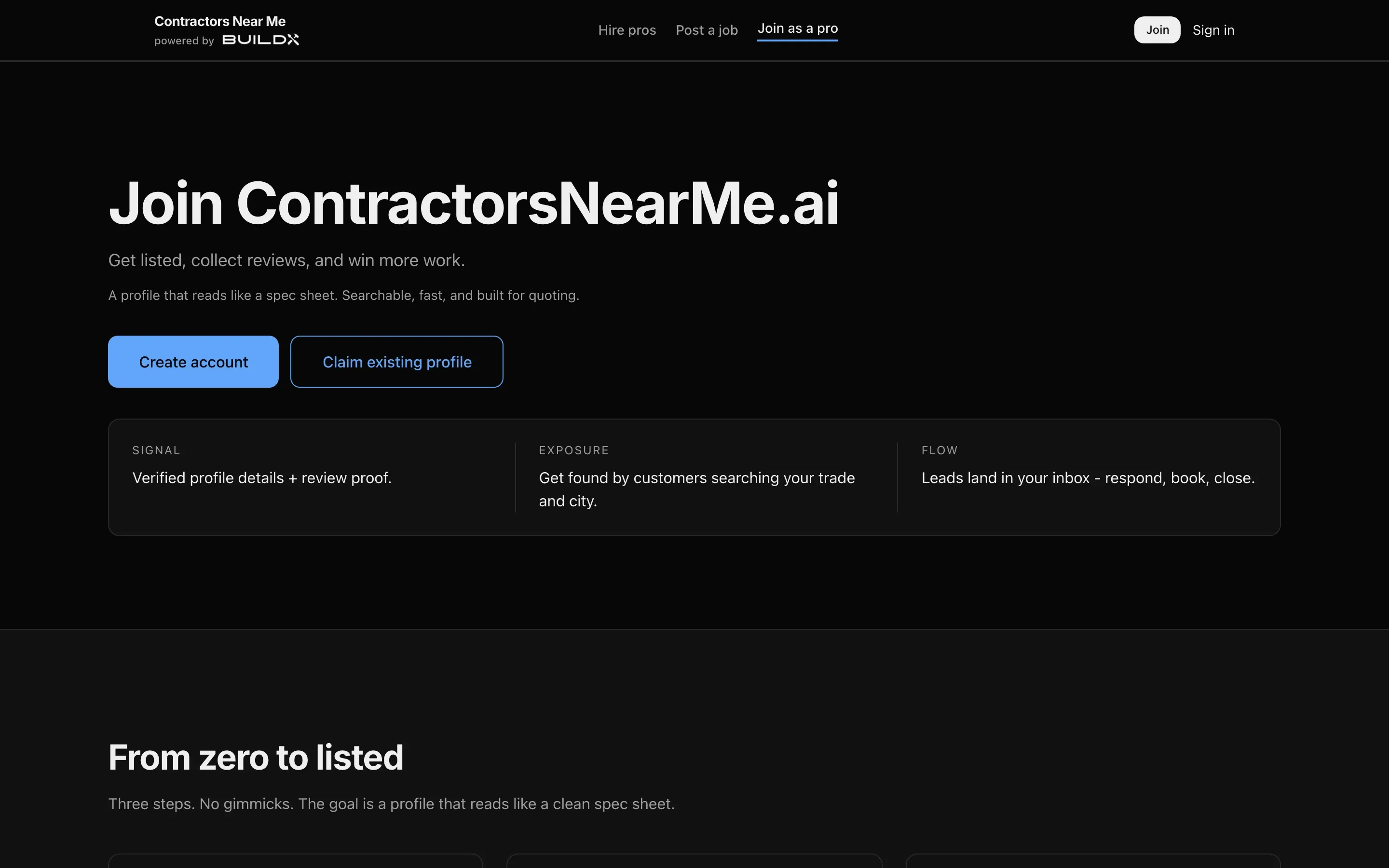
Claim your business's Contractors Near Me listing, verify it by email, finish onboarding with your contractor.id handle, and publish it with Pro or Studio.
Contractors Near Me already lists more than 130,000 contractor businesses. If yours is one of them, you can claim it and manage it from MyBuildX. This works for any contractor: subcontractors, general contractors, and specialty trades. Start at contractorsnearme.ai/join.

What you can do
- Find your existing listing by company name, email, or phone.
- Confirm the claim through a one-time link sent to an email address you choose.
- Create a listing if yours isn’t there.
- Claim a handle so your profile has a short link:
contractor.id/<handle>. - Add license, insurance, or bonding details so your profile can earn the Verified License badge.
Claim an existing listing
You need a contractor account on Contractors Near Me to claim. If you aren’t signed in, the claim page asks you to sign in or create one partway through.
- Go to contractorsnearme.ai/join (“Join Contractors Near Me”) and click Claim existing profile. This opens contractorsnearme.ai/claim.
- In Company name, email, or phone, search for your business (for example “Peak Roofing” or “peak@example.com”) and click Search.
- Find your listing. In “Where should we send the verification link?”, enter an email address you can open right now.
- Click Claim Profile.
- If you see “Contractor account required”, click Create contractor account or Sign in, then come back to the claim page and repeat steps 2 to 4.
- You’ll see “Verification email sent to” followed by your email address. If it doesn’t arrive within a minute, check spam, then click resend the email.
- Open the link in the email while signed in to the same contractor account. The link works once and expires after 7 days.
- You’ll see “Profile claimed. Your profile is now linked to your account.” Click Go to dashboard to open MyBuildX.
If the search says “We could not find an unclaimed listing”, click Create your listing. If you need help, email support@contractorsnearme.ai.
If a link has expired, the page says “Claim link expired”; click Get a new link. If someone already claimed the profile, you’ll see “This profile was already claimed.”
Finish onboarding
If you haven’t set up MyBuildX yet, it walks you through these screens:
- What kind of work do you do? Choose your role.
- What’s your business called? Enter your business name and optionally your phone number.
- Where do you work? Choose your city and how far you’ll travel.
- What’s your trade? Choose your main trade and optionally add specialties or other trades.
- Clear your morning: Try the practice run, then choose Go to dashboard when your account is ready. If MyBuildX asks you to confirm a listing link, confirm it before continuing.
Complete: you land on MyBuildX Home. Publish your free contractor.id page from Your profile; add Pro to appear in Contractors Near Me search.
Publish your profile
ID is the free MyBuildX workspace, with your @contractor.id business email. Your contractor.id page is free. Visibility in Contractors Near Me search requires Pro or Studio, bought in MyBuildX. Pro is $20/month or $200/year. Studio is $200/month or $2,000/year. Requests addressed to your business stay with you on ID today. A subscription does not guarantee leads. See Plans and pricing and Directory profile.
Claim a handle in Settings → Business for your contractor.id/<handle> link. The same link shows at the top of your profile, under your business name.
Signing in later
Sign in at contractorsnearme.ai/sign-in with email and password, a magic link, Google, or your BuildX (MyBuildX) account. Contractors Near Me has no contractor dashboard; it sends you to mybuildx.com, where you manage leads, messages, and your profile.
Good to know
- Verified License means your license number matched an active record on the official state board. Insured and Bonded show only where your state publishes that data. See contractorsnearme.ai/how-we-verify.
- Customers who click Get Free Quotes on buildx.pro are matched to up to 3 local contractors. Matched contractors get an email about the request, and these requests come into MyBuildX Leads.
- Quote requests sent from your Contractors Near Me profile form are stored with Contractors Near Me. They don’t appear in MyBuildX Leads.