

Getting started for property owners
Price your project on buildx.pro, find contractors on Contractors Near Me, request quotes, and know what your contractor can share with you.
This page walks you through the full path for a property owner: price the work on buildx.pro, find contractors on Contractors Near Me, ask for quotes, and follow the job through the links your contractor sends. You don’t need an account for pricing or for requesting quotes.
What you can do
- Price a project with one of 1,900+ cost calculators at buildx.pro/costs, adjusted for your ZIP code.
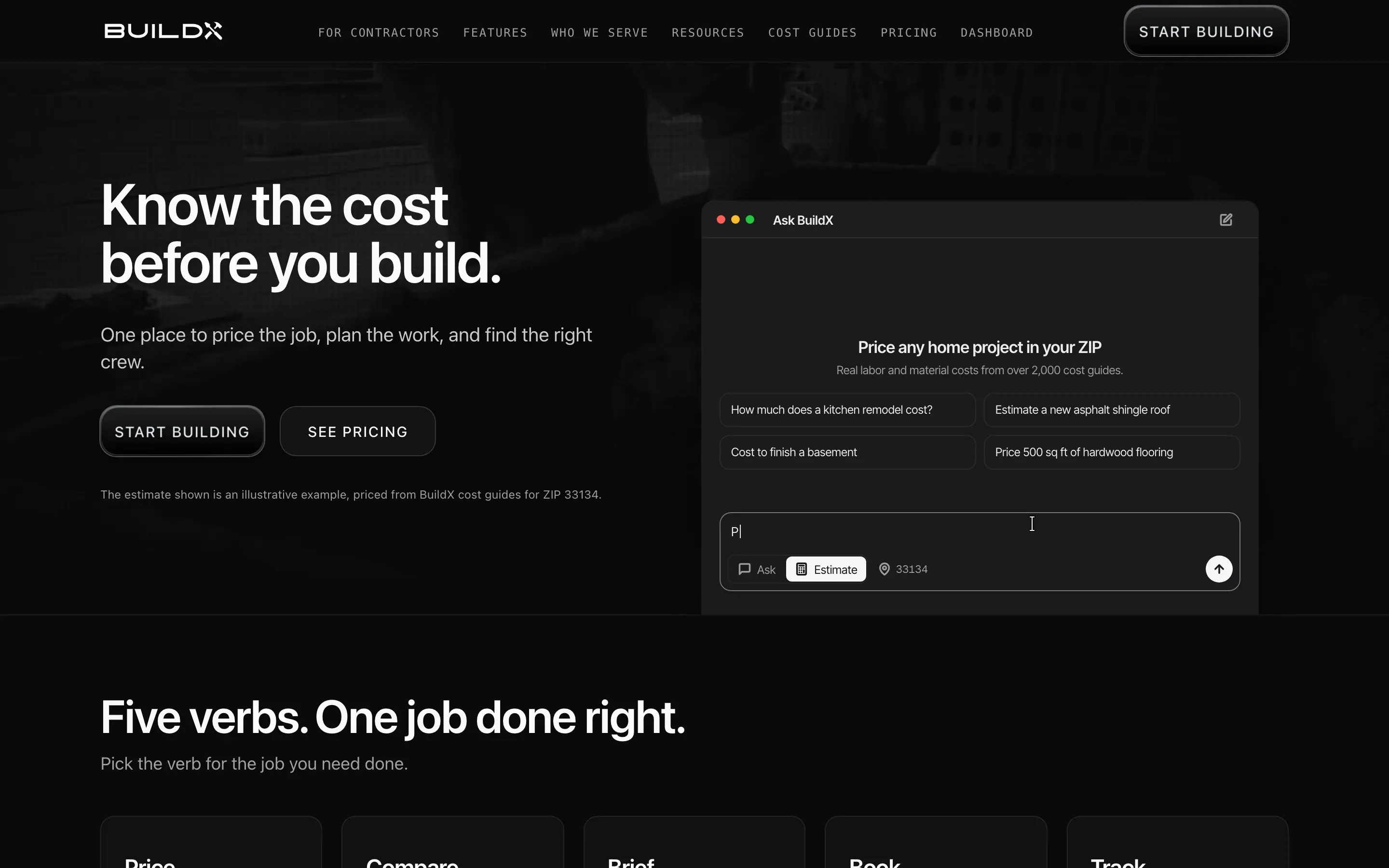
- Ask a cost question in plain words in BuildX Pro at buildx.pro/chat.
- Search more than 130,000 contractor profiles on Contractors Near Me and check license status, reviews, and photos.
- Send quote requests from a calculator, from BuildX Pro, or from a contractor’s profile.
- Open the invoice, photo, and estimate links your contractor sends, with no login.
1. Price it
- Go to buildx.pro/costs and search for your project (for example, “laminate flooring”).
- Enter the project size, your ZIP Code, and a Quality Level (Basic, Standard, or Premium).
- Read the Estimated Total Cost range and open Cost Breakdown to see materials, labor, supplies, and equipment.
Prefer to ask in your own words? Open BuildX Pro chat, set your ZIP, and ask “How much does a kitchen remodel cost?”
See How calculators work for property owners and Understanding estimates.
2. Find contractors
- On a calculator page, click Find Contractors. It opens Contractors Near Me for that trade. You can also search at contractorsnearme.ai/search.
- Filter by distance, rating, or Verified Only.
- Open a few profiles and check the license badge, reviews, and photos.
See Find a contractor.
3. Request quotes
There are three ways to ask:
- Get Free Quotes at the bottom of a calculator page. BuildX matches your request to up to 3 local contractors.
- Request Quotes in BuildX Pro, after it shows recommended contractors.
- Message this contractor on a Contractors Near Me profile, to reach one contractor directly.
Give every contractor the same scope (size, quality level, what’s included) so the quotes compare cleanly. See Getting quotes.
4. Follow the work
Once you hire a contractor who uses MyBuildX, they can send you links that open without an account: an estimate, a photo gallery you can add photos to, a showcase of finished work, and invoices with a lien waiver. See What your contractor shares with you.
Good to know
- buildx.pro has no accounts. Save My Estimate asks for your email instead, and the page link keeps your inputs.
- Calculator numbers are ranges for planning, not bids. They don’t include permits. See Calculator accuracy.
- A Verified badge on Contractors Near Me means the license matched an active state record. It is not a background check.