

How calculators work for property owners
Step by step through a buildx.pro cost calculator, from project size and ZIP code to the line-item breakdown and a shareable link.
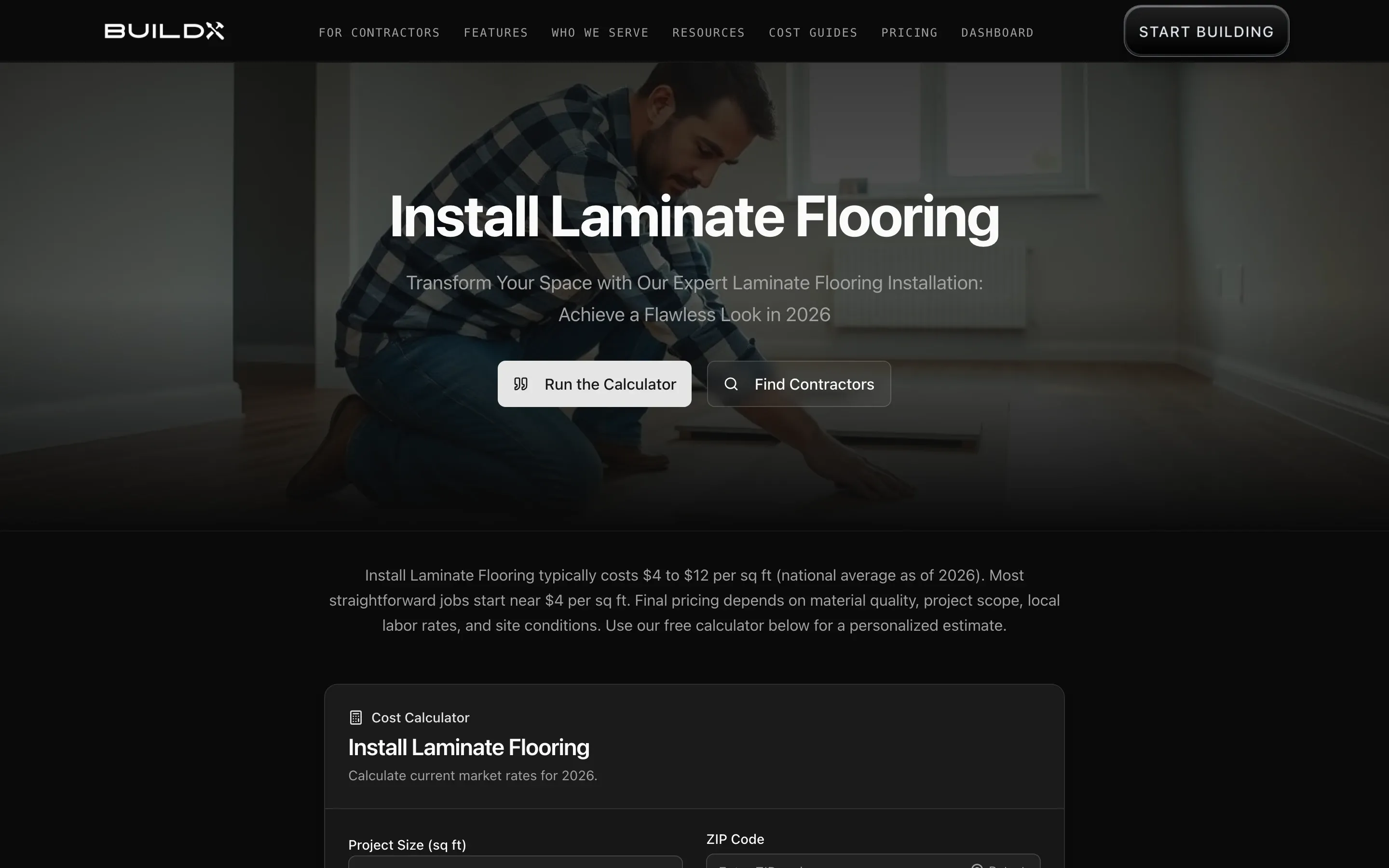
Each cost calculator is a page at buildx.pro/costs/<project>, for example buildx.pro/costs/install-laminate-flooring. Anyone can use them, with no account. This page walks through one calculator from top to bottom.
What you can do
- Enter your project size, ZIP Code, and Quality Level.
- Read the Estimated Total Cost range and the cost per unit.
- Open Cost Breakdown, What’s Included, What’s NOT Included, and Assumptions.
- Copy the page link to share the exact estimate.
- Save My Estimate with your email, or click Get Free Quotes to reach local contractors.
Run a calculator
- Find your project at buildx.pro/costs. Use the search box or a category chip such as flooring or roofing.
- Click Run the Calculator, or scroll to the Cost Calculator card.
- Enter the size. The field matches the job: Project Size (sq ft), linear feet, Quantity, or Number of Projects.
- Enter your ZIP Code, or click Detect to fill it from your location.
- Pick a Quality Level:
- Basic: budget-friendly materials (0.85 times the Standard price)
- Standard: quality materials, pro install
- Premium: top-tier materials and finishes (1.25 times the Standard price)
The result updates as you type.
Read the result
- Estimated Total Cost: a low to high range, with your quantity and quality level under it.
- Location factors: for example “materials x0.97, labor x1.07”. These show how your ZIP area compares to national prices. See Regional pricing for property owners.
- Cost per sq ft (or per unit): the total divided by your quantity.
- Cost Breakdown: four lines (Materials, Labor, Supplies & Other, Equipment & Disposal) grouped under Materials, Labor, Supplies, and Equipment.
- What’s Included and What’s NOT Included: the scope the price assumes. Read the NOT list before you compare it with a bid.
- Assumptions: the conditions behind the numbers.
For how to judge the range, see Understanding estimates.
Share or keep the estimate
- Copy the link. The address bar keeps your quantity, ZIP, and quality level. Anyone who opens the link sees the same estimate.
- Save My Estimate. Enter your email and click Save. buildx.pro has no accounts, so the estimate is saved with your email rather than to a login.
Ask for quotes
Under the calculator, the form “Show us your plans, we price the job live” asks for Your Name, Email Address, and optionally Phone Number and Project details. Click Get Free Quotes. You’ll see “Request Sent! Local contractors will contact you within 24 hours.” Your request is matched to up to 3 local contractors. See Getting quotes.
Good to know
- There is no PDF or export button. Share the link or take a screenshot.
- The calculator has no line for permits or allowances, and disposal is folded into the Equipment & Disposal line rather than priced on its own. Ask contractors about those costs.
- The page notes that estimates are approximate. Only a contractor who sees the site can give you a real price.