# Intro
> Get started with BuildX.
Source: https://docs.buildx.pro/docs/
[**BuildX**](https://buildx.pro/) helps you price, hire and run construction work. Look up what a job should cost in your ZIP code, find and vet a contractor, and run the job from lead to paid invoice.

Let's get started.
***
## The products
| Product | What it's for |
| ---------------------------------------------------- | -------------------------------------------------------------------------------------------- |
| [buildx.pro](https://buildx.pro/) | Cost calculators for 1,900+ jobs and the **BuildX Pro** assistant. No account needed. |
| [Contractors Near Me](https://contractorsnearme.ai/) | Find, vet and contact local contractors. Contractors claim their listing here. |
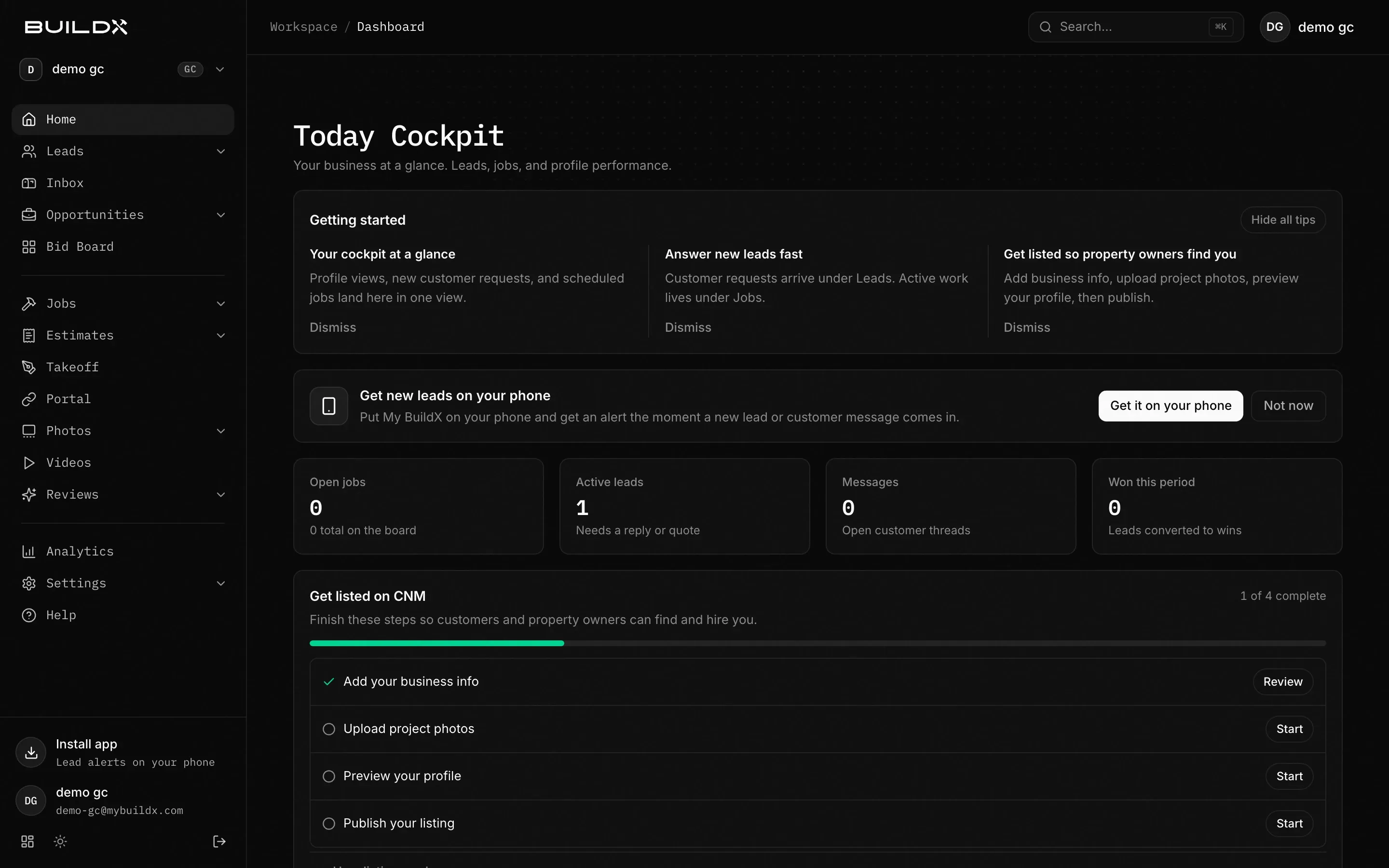
| [MyBuildX](https://mybuildx.com/) | The contractor workspace: leads, inbox, bids, jobs, estimates, invoices, photos and reviews. |
| [BuildX Studio](https://studio.mybuildx.com/) | Drawings, revisions, takeoff, estimating and bid leveling. |
More in [What is BuildX](https://docs.buildx.pro/docs/start/what-is-buildx.md).
***
## Pick your guide
- **Property owners:** [Getting started](https://docs.buildx.pro/docs/owners/getting-started.md). Price the job, find contractors, request quotes.
- **General contractors:** [Getting started](https://docs.buildx.pro/docs/gcs/getting-started.md). Answer leads, bid, estimate, invoice.
- **Subcontractors:** [Getting started](https://docs.buildx.pro/docs/subs/getting-started.md). Claim your profile, find bid work, price with confidence.
- **Suppliers:** [Getting started](https://docs.buildx.pro/docs/suppliers/getting-started.md). What a supplier account does today.
- **Developers and AI agents:** [BuildX for AI agents](https://docs.buildx.pro/docs/agents/overview.md). The MCP server, the cost API, and these docs as Markdown.
***
## Find your way around
- **Reference:** every screen of the [MyBuildX workspace](https://docs.buildx.pro/docs/dashboard/home.md) and [BuildX Studio](https://docs.buildx.pro/docs/studio/overview.md).
- **How prices work:** [cost calculators](https://docs.buildx.pro/docs/calculators/how-they-work.md) and [regional pricing](https://docs.buildx.pro/docs/calculators/regional-pricing-reference.md).
- **Know the limits:** [What BuildX doesn't do yet](https://docs.buildx.pro/docs/start/limits.md).
***
## Get help
Search these docs with ⌘ K, use **Copy page** to ask your own AI assistant about any page, or [file a ticket](https://docs.buildx.pro/docs/help/file-a-ticket.md). Signed in to MyBuildX? Open **Help** in the sidebar.